|

PLACEMENT of FLAGS on the PINECREEK XMAS STORE

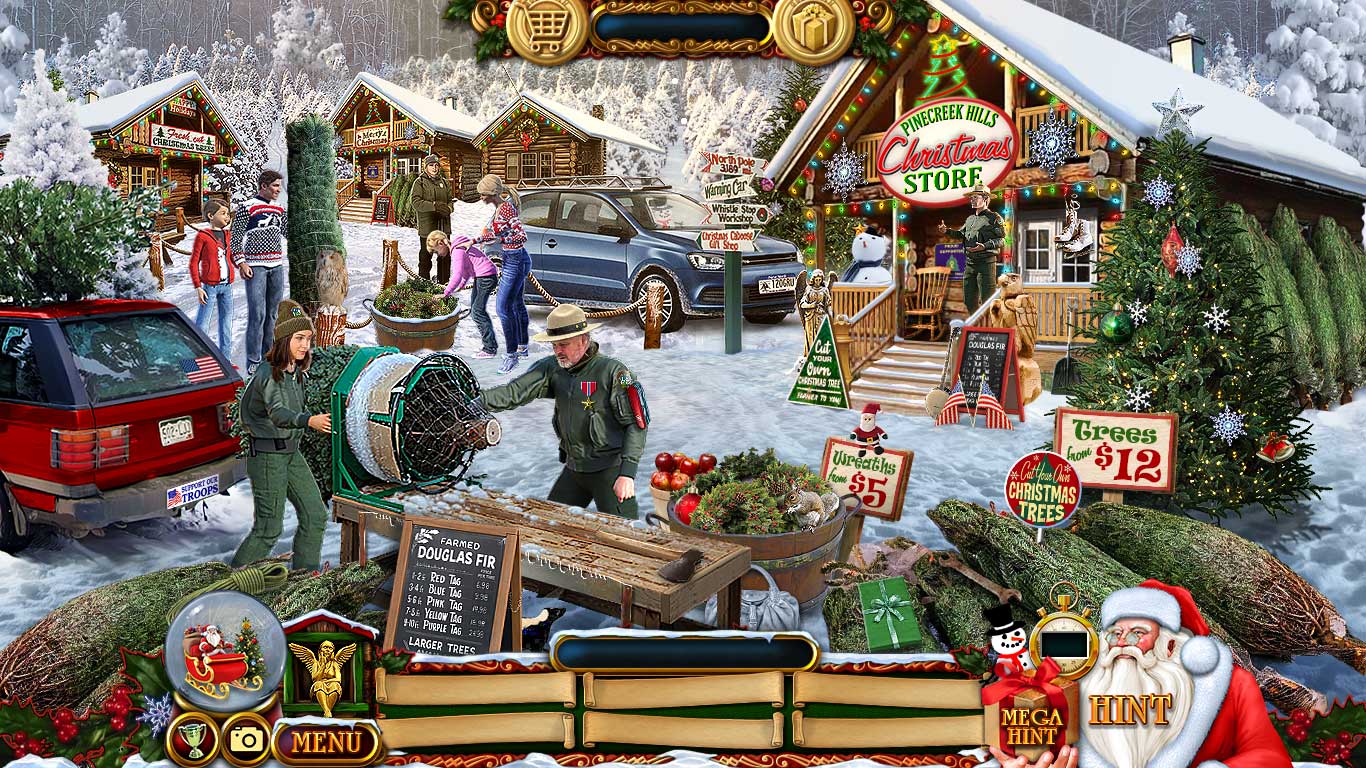 |
A problem has been reported by a few of our customers as happening on specific machine makes & models.
We are currently working hard to try to reproduce the bug in our studios and will fix it as soon as we can. |
PC Version
If you are unable to place the pair of US Flags in this scene, minimise the game screen and you should be able to place the flags and move on.
You may need to minimise the screen for some of the Tasks later in the game also.
To minimise the screen, click on the game's MENU button and then the OPTIONS button, then Uncheck full screen.
|
Mac Version
If you are unable to place the pair of US Flags in this scene, minimise the game screen and you should be able to place the flags and move on.
You may need to minimise the screen for some of the Tasks later in the game also.
To minimise the screen, click on the game's MENU button and then the OPTIONS button, then Uncheck full screen. |
iPAD Version
We do not currently have a workaround for this 'Flag' glitch and we appreciate your patience whilst we work to fix it. |
|
| |